
Download Microsoft Solitaire Collection – solitaire, card games, puzzle, free games, mobile games, classic games, puzzle games, free solitaire, games for Android, games for iOS
Overview
Microsoft Solitaire Collection is a mobile application designed to deliver a curated experience of five classic solitaire games within a single, cohesive platform. The app serves as a digital repository for timeless card games, offering both nostalgic appeal and modern enhancements tailored for today’s smartphone users. Its primary purpose is to provide accessible, engaging, and customizable entertainment that can be enjoyed during short breaks or extended gaming sessions. The target audience includes casual gamers, puzzle enthusiasts, and individuals seeking low-pressure mental stimulation. The app is particularly well-suited for users who value familiarity with classic gameplay while appreciating subtle digital upgrades like cloud synchronization and daily challenges.
By consolidating Klondike, Spider, FreeCell, TriPeaks, and Pyramid into one interface, the app reduces the need for multiple downloads and streamlines access to diverse game mechanics. This integration supports a broader range of player preferences, from strategic thinkers to those who enjoy pattern recognition and quick decision-making. The app also plays a role in the broader mobile gaming ecosystem by maintaining the legacy of classic games while adapting them for modern touch-based interaction. Its release on both Android and iOS ensures wide accessibility across device types, reinforcing its position as a cross-platform utility for leisure and cognitive engagement.
Key Features & Functionality
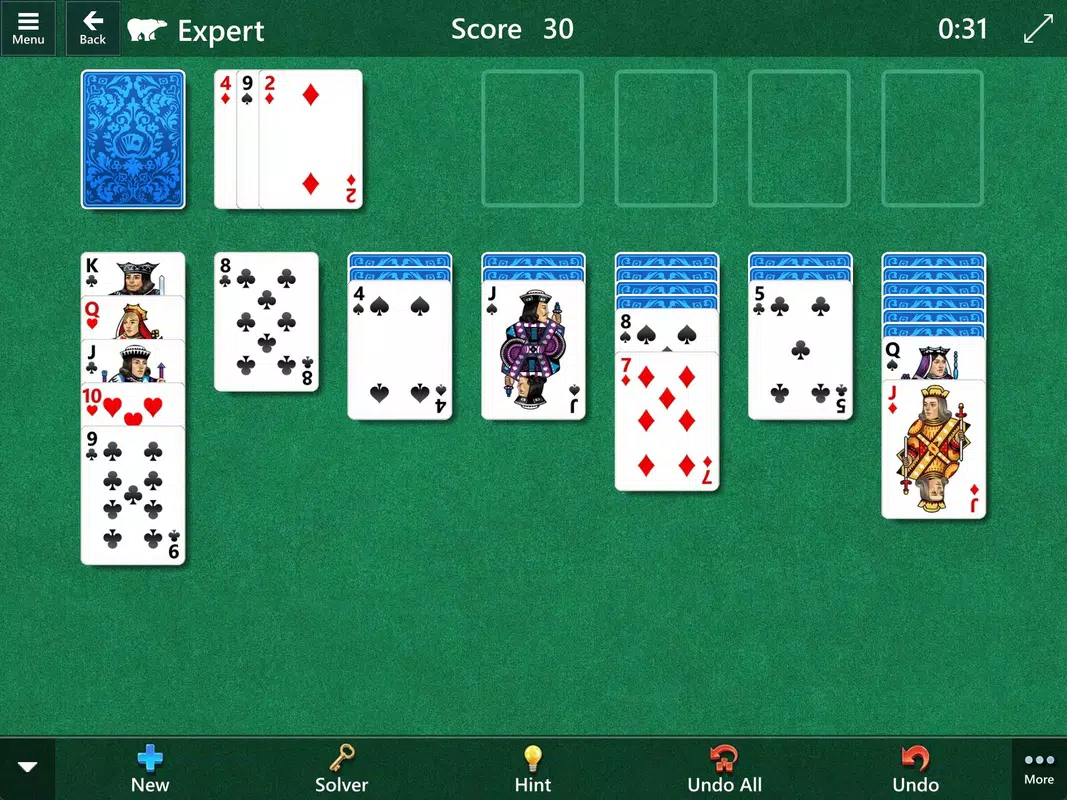
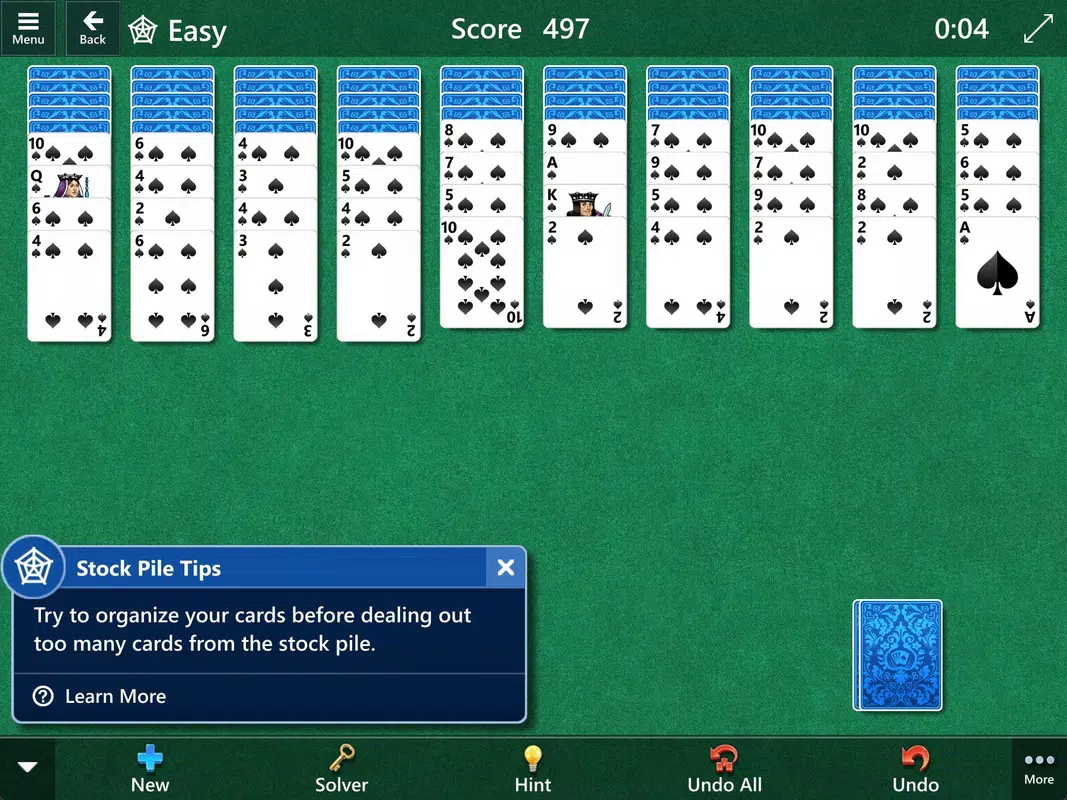
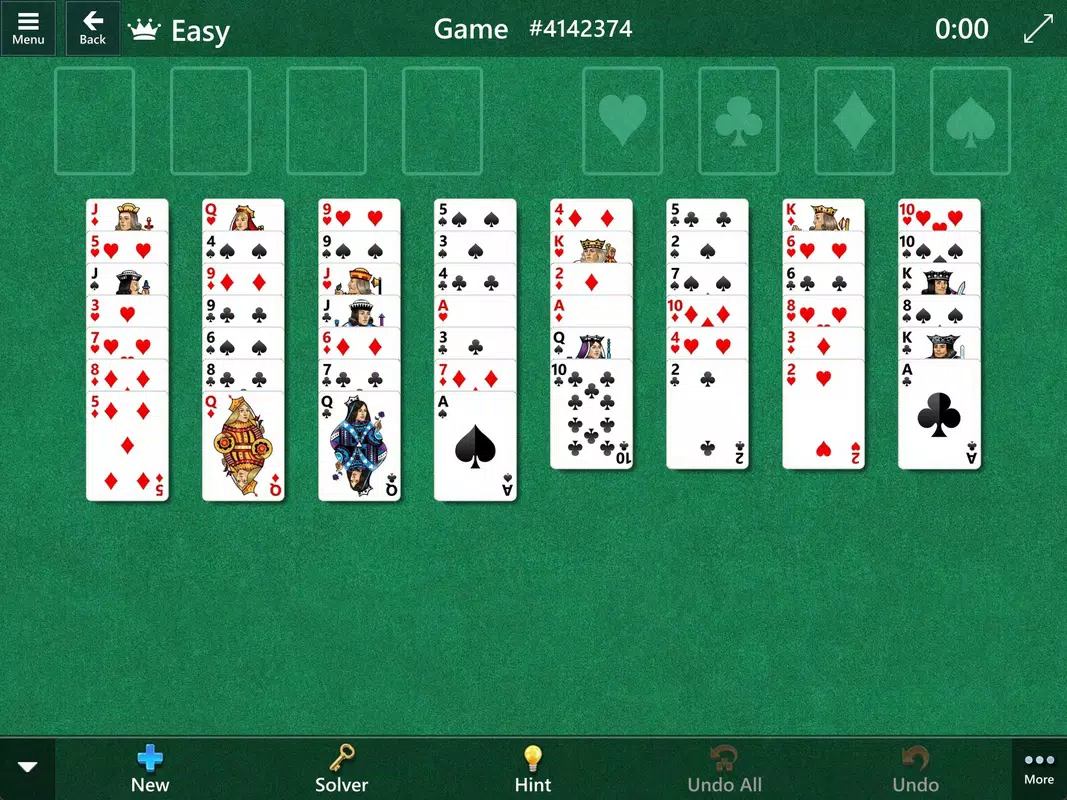
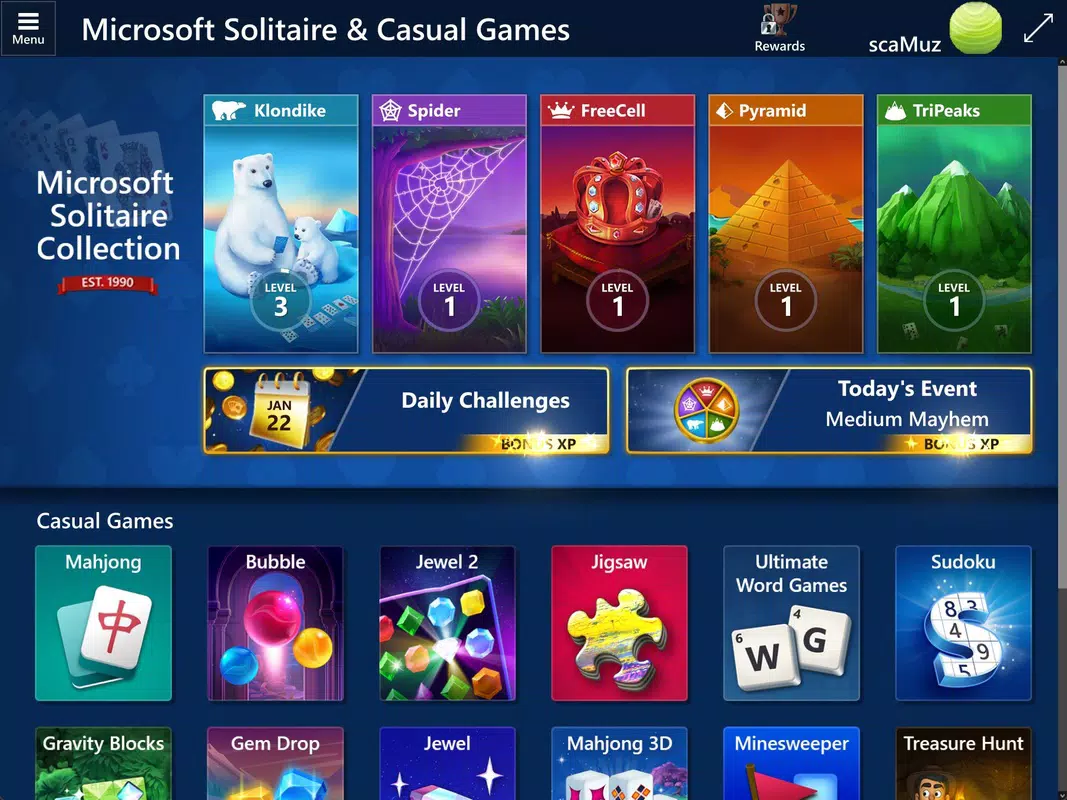
- Five Classic Game Modes: The app features Klondike, Spider, FreeCell, TriPeaks, and Pyramid, each with distinct rules and objectives. Klondike emphasizes patience and planning, while Spider introduces multi-suit sequences and complex strategies. FreeCell offers a high degree of skill-based play with solvable layouts. TriPeaks challenges players to clear cards in a pyramid formation, and Pyramid focuses on matching pairs to the top card.
- Daily Challenges and Events: Each game includes daily challenges that encourage consistent engagement. Completing these tasks unlocks badges and in-app rewards, fostering a sense of achievement. Periodic events introduce limited-time objectives, promoting both individual and community-based play.
- Xbox Live Integration: Players can sign in with their Microsoft account to sync progress across devices. This feature enables cloud saves, achievement tracking, and leaderboard competition, enhancing continuity and long-term motivation.
- Customizable Themes and Card Designs: Users can personalize the visual style of the app with various backgrounds, card back designs, and color schemes. This flexibility supports user comfort and aesthetic preference, especially during prolonged use.
- Accessibility and Difficulty Adjustment: The app includes features like move undo, hint systems, and adjustable difficulty levels. These tools support players of all skill levels, ensuring an inclusive and supportive experience for beginners and seasoned solitaire players alike.
Interface, UX & Performance
The user interface of Microsoft Solitaire Collection is clean, intuitive, and optimized for touch-based interaction. The layout is organized with clear navigation between game modes, settings, and progress tracking. Visual elements are well-balanced, with minimal clutter, allowing players to focus on gameplay. Card animations are smooth, and transitions between screens are responsive, contributing to a polished feel.
Navigation is straightforward, with a bottom menu bar providing quick access to all five game types and a central hub for challenges and achievements. The app maintains consistent design language across all screens, ensuring a cohesive user journey. Although the developer did not list formal performance metrics, the app’s 115 MB size suggests efficient resource usage, and its smooth operation on a range of devices indicates strong optimization.
Responsiveness is consistent across different screen sizes and device categories. Stability appears robust, with no reported crashes or freezes in the current release. The app runs efficiently in the background and resumes seamlessly when reopened. Accessibility features are well-integrated into the core experience, allowing users to adjust settings without disrupting gameplay flow.
Platform Compatibility & Technical Requirements
Microsoft Solitaire Collection is available on both Android and iOS platforms, ensuring broad compatibility across modern smartphones and tablets. The current version is 1.2025.407.0, released on 2025-04-07. The app’s file size is 115 MB, which is relatively compact for a feature-rich game collection, indicating efficient asset management and code optimization.
The developer did not specify minimum OS requirements or device compatibility details. However, given the app’s release date and platform availability, it is likely optimized for recent versions of Android and iOS. Users are advised to ensure their device meets the system requirements of their respective operating system to avoid potential issues. Compatibility information was not fully disclosed.
Pros and Cons
Pros
- Five distinct solitaire games in one app, offering variety and replayability.
- Daily challenges and events encourage consistent engagement.
- Xbox Live integration enables cloud saves and cross-device progress.
- Extensive customization options for themes and card designs.
- Accessibility features support players of all skill levels.
- Free to download and use with no in-app purchases required.
Cons
- Specific technical requirements were not listed by the developer.
- Compatibility with older devices or OS versions was not confirmed.
- Some users may find the lack of offline multiplayer limiting.
- Customization options, while present, may not be extensive enough for advanced users.
- Progress sync relies on Microsoft account, which may be a barrier for some users.
FAQ
Is Microsoft Solitaire Collection free to download?
Yes, the app is available at no cost. It does not require payment for access to core features or gameplay.
Can I play Microsoft Solitaire Collection offline?
Yes, the app supports offline play. You can enjoy all five game modes without an internet connection.
Does Microsoft Solitaire Collection require a Microsoft account?
While not mandatory for basic gameplay, signing in with a Microsoft account enables cloud sync, achievements, and leaderboard access.
Are there in-app purchases in Microsoft Solitaire Collection?
As of the current release, there are no in-app purchases. The app remains free of monetization through ads or paywalls.
How often is Microsoft Solitaire Collection updated?
Updates are released periodically to improve performance, fix bugs, and introduce new challenges or events. The latest version is 1.2025.407.0.
Final Thoughts
Microsoft Solitaire Collection stands out as a well-rounded, accessible, and engaging mobile game that successfully bridges classic gameplay with modern digital enhancements. Its integration of five distinct solitaire variants ensures enduring entertainment value, while daily challenges and Xbox Live features maintain long-term user interest. The app’s clean interface, thoughtful accessibility tools, and strong performance make it a reliable choice for casual gamers and solitaire aficionados alike.
For users seeking a free, secure, and well-designed puzzle experience on both Android and iOS, this app delivers exceptional value. Whether you're looking to pass time during a commute or sharpen your focus with a strategic card game, Microsoft Solitaire Collection offers a polished and rewarding experience.
Download Microsoft Solitaire Collection now


